Your ideas,
in a single stroke.
Sumi.md is a block editor for Markdown: type /, drag your blocks, comment in the margin. Your documents stay real .md files, on your disk.
Simple, really.
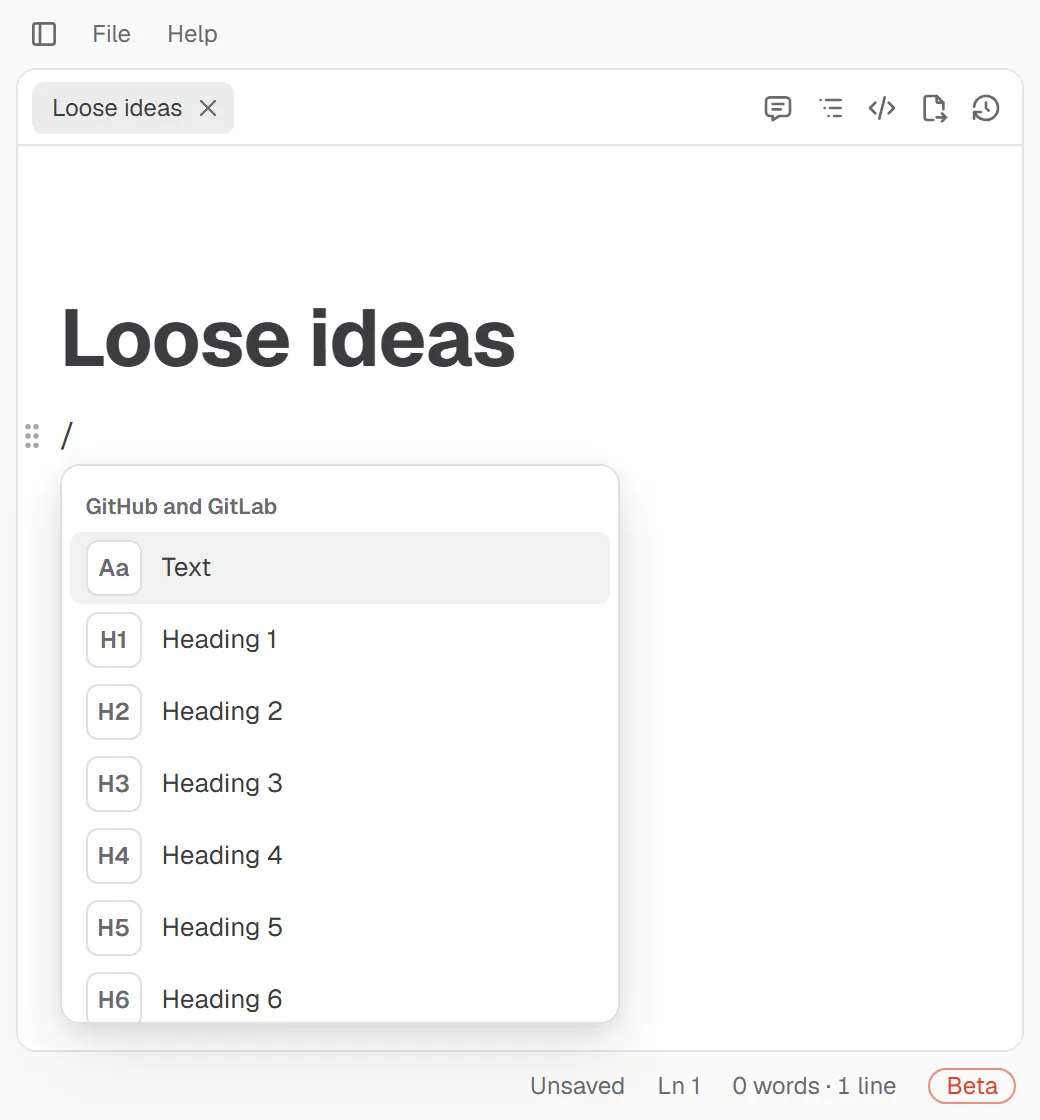
Type / and pick what you want to write. No syntax to remember, no settings to learn: the interface steps aside for your words.
Airy, always.
A comfortable reading width, careful typography, room to think. Light or dark themes, every colour of them yours to tune.
Precise, to the character.
Sumi.md rewrites only the blocks you edit. A file you did not touch stays identical, byte for byte.
Your files. For real.
No account, no server, no house format. A folder, .md files, their images beside them. Sync them with the tool you like, or not at all. And if one day you leave, your notes leave with you.
- No account
- Editing one block rewrites that block alone
- Clean diffs in Git
- Readable on GitHub and GitLab
Exhibition/
├── Catalogue.md
├── Exhibition text.md
├── specs/
│   └── Printer brief.md
├── assets/
│   └── Catalogue.assets/
│       └── poster.png
└── .sumi/
    └── threads/
└── Exhibition text.md.json- Each ink was prepared on the very morning of the stroke. + Each ink but one was prepared on the very morning of the stroke.
The file changed elsewhere? Nothing gets lost.
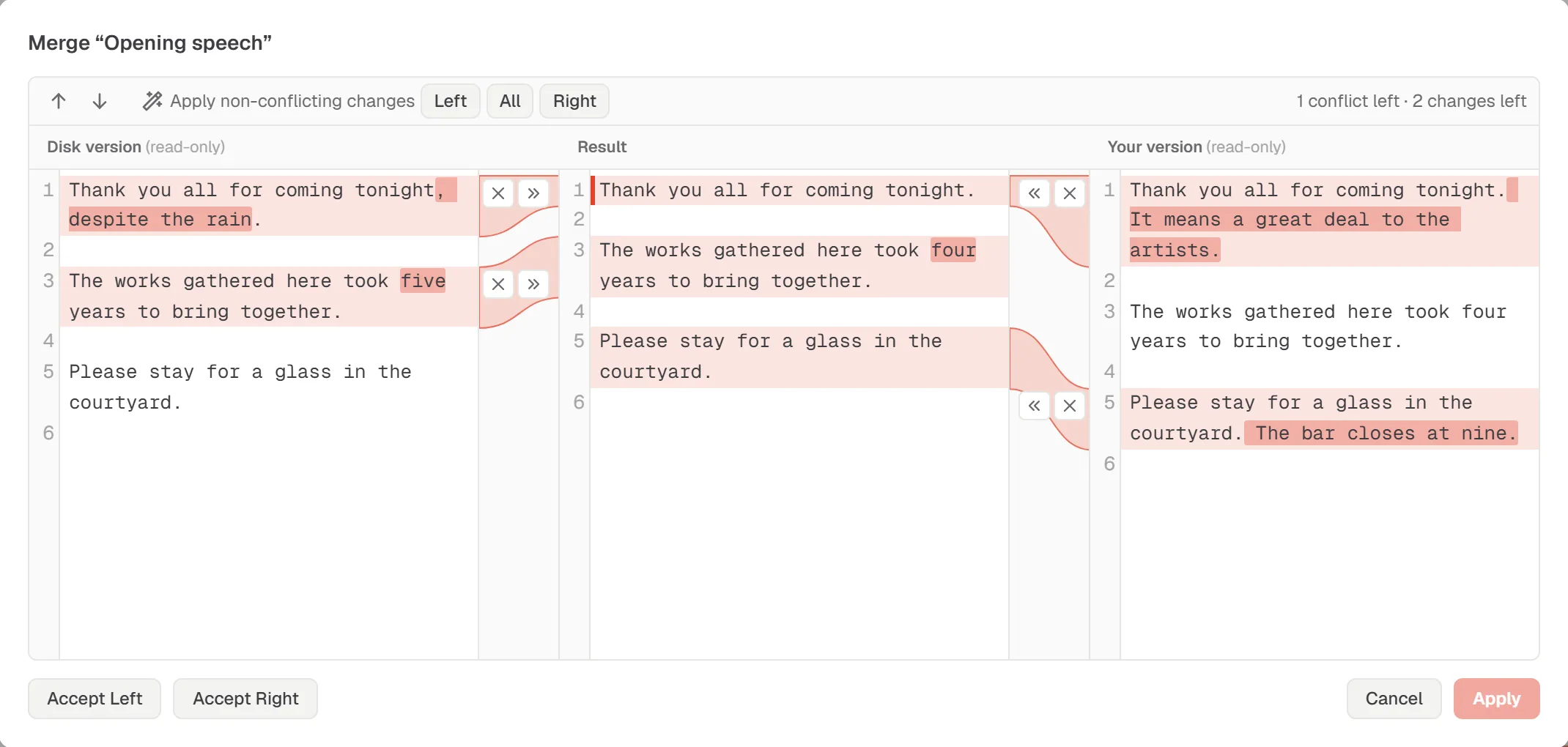
Git, Dropbox, another editor or a colleague: Sumi.md takes in what changes on disk block by block, even while you type. When you both edited the same block, a three-way Merge lets you choose, change by change.
- Merged block by block, unsaved edits included
- Conflicts shown side by side, never overwritten
- A Snapshot of what a change replaces
Point your AI at the exact lines.
Select a passage and press Ctrl+Shift+C: Sumi.md copies its path and lines, ready to paste to an AI assistant, in a terminal or to a colleague. The numbers are those of the file, in the blocks as in Source Mode.
- The lines of the selection in the Status Bar
- Line numbers in Source Mode, if you want them
- Ctrl+G goes to a line, as :42 does in Ctrl+P
Make specs/Printer brief.md:17-19 shorter.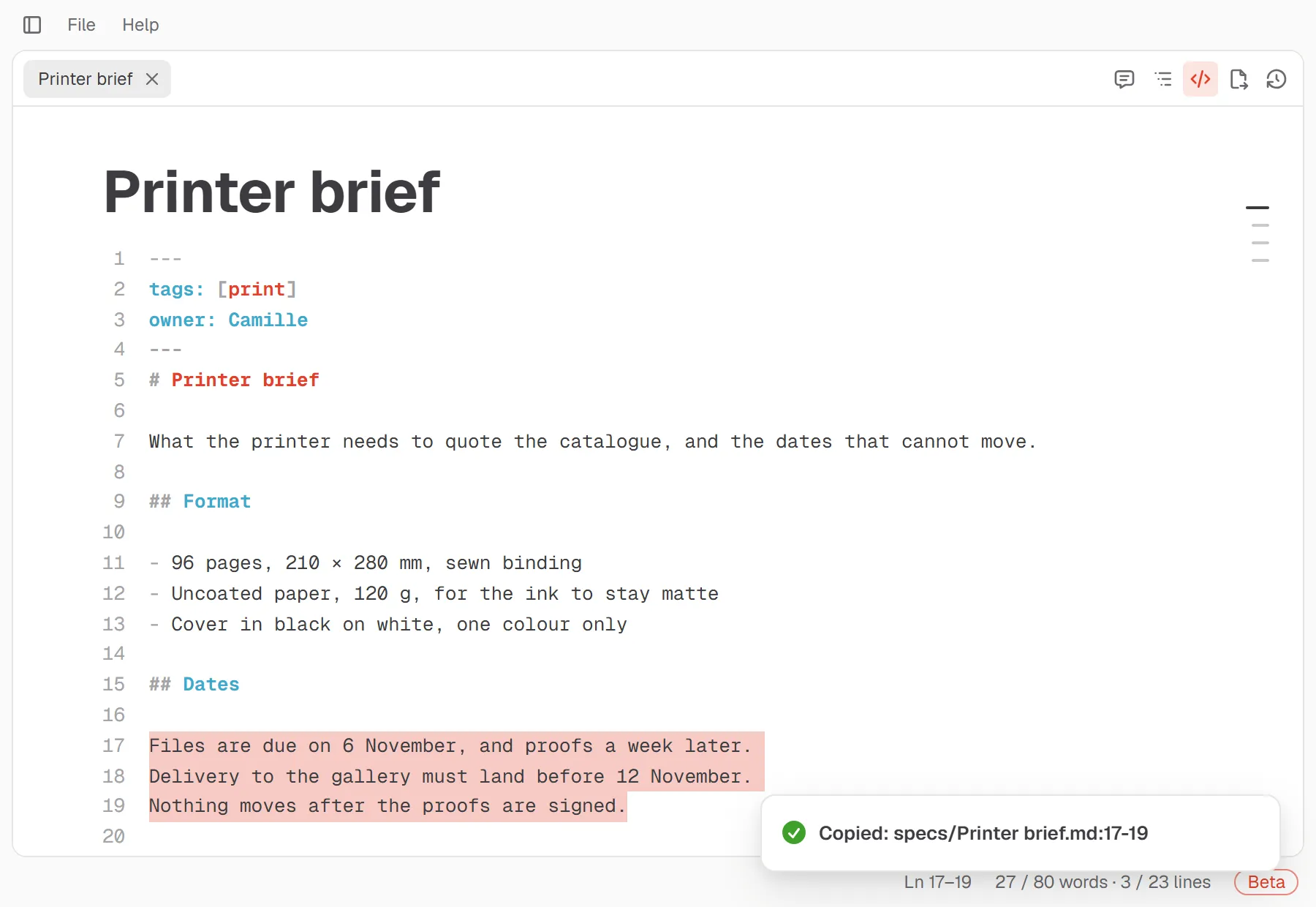
Work on one side, personal on the other.
Each Space gathers its folders and keeps its tabs: switch with a click or Ctrl+1, and pick up exactly where you left off. Open documents from several folders, and their tabs gather by folder.
- Unsaved edits and open tabs kept as you switch
- A name, an icon and a colour for each Space
- Two windows, two Spaces, side by side
Everything you need. Nothing more.
The comfort of a block editor, the freedom of a plain text file.
Type /
Headings, tasks, tables, highlighted code, callouts, toggles. Each block moves by its handle and turns into another.
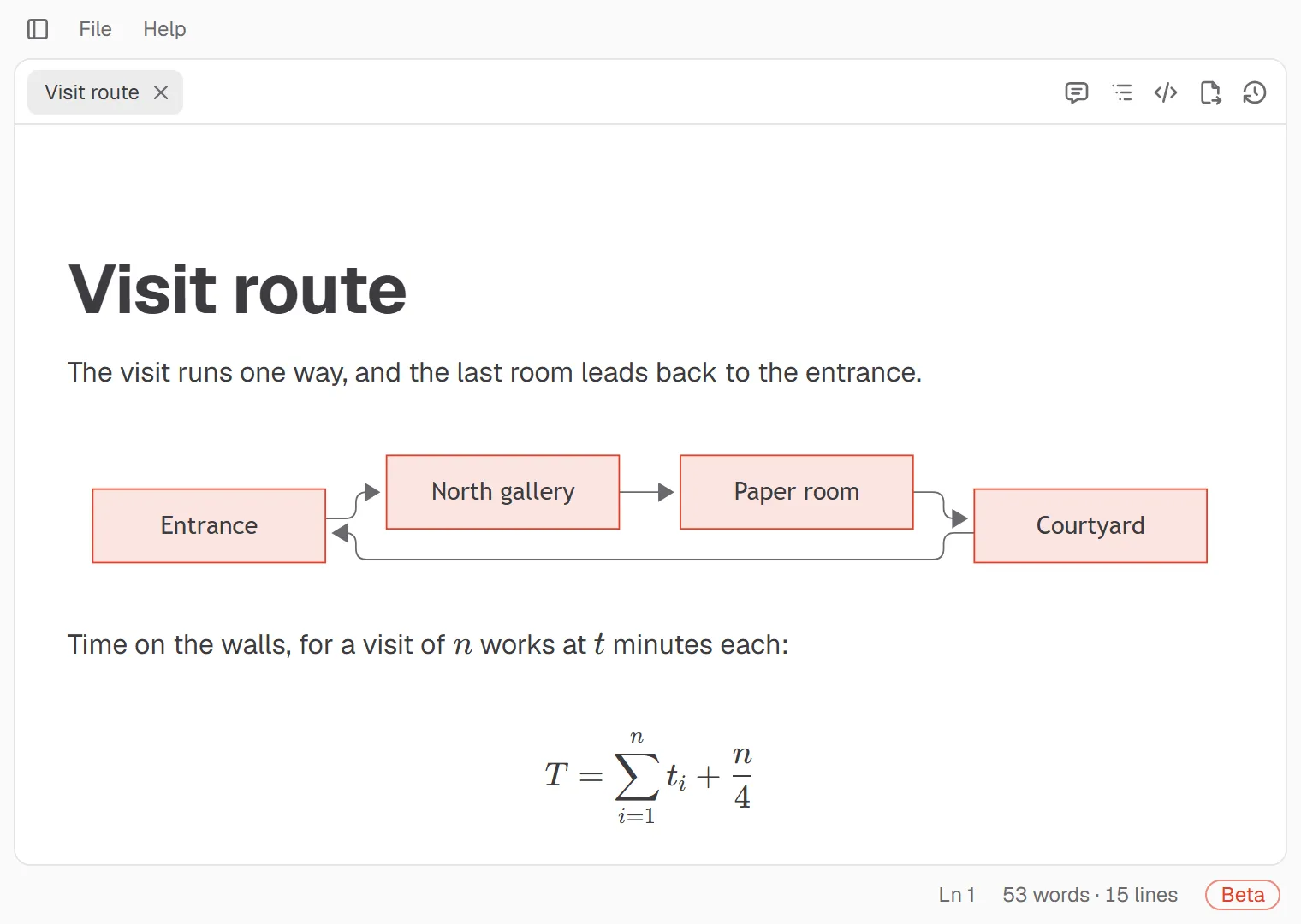
Diagrams and maths, drawn as you write
Mermaid and formulas take the colours of your Theme, and stay Markdown that GitHub and GitLab render.
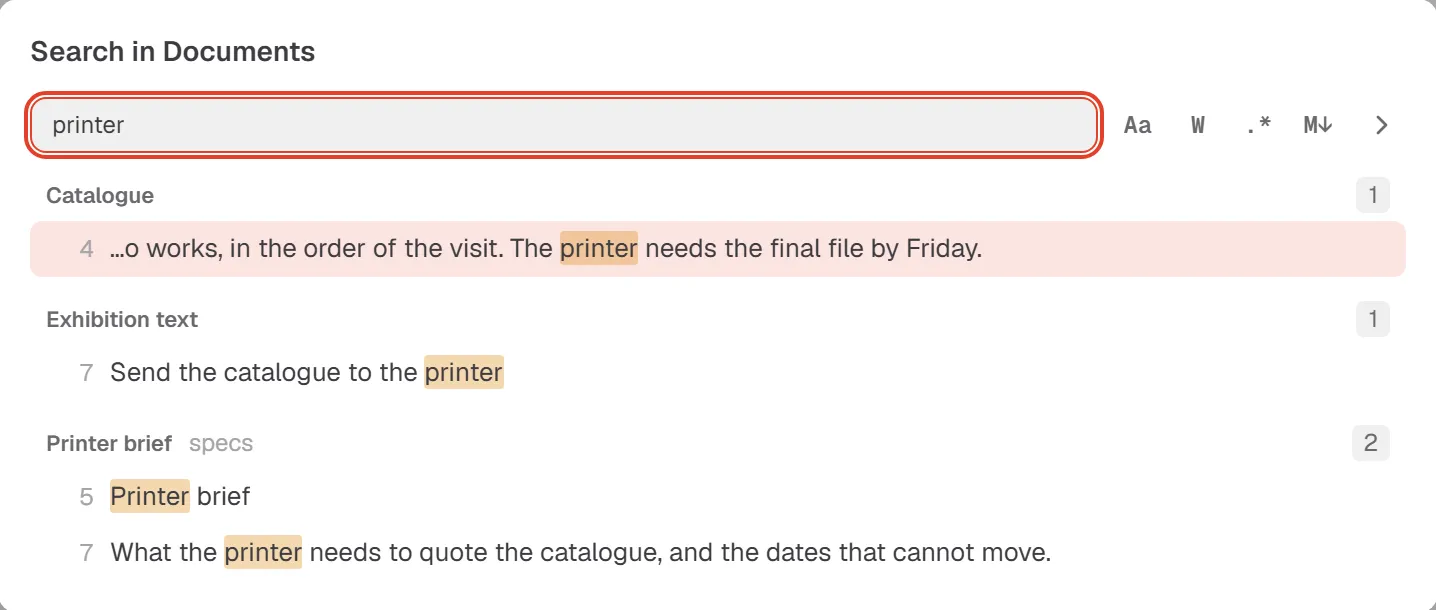
Search that keeps up
Ctrl+P to open a document, Ctrl+Shift+F to search them all, with filters on tags and links. It answers at once on 10,000 files.
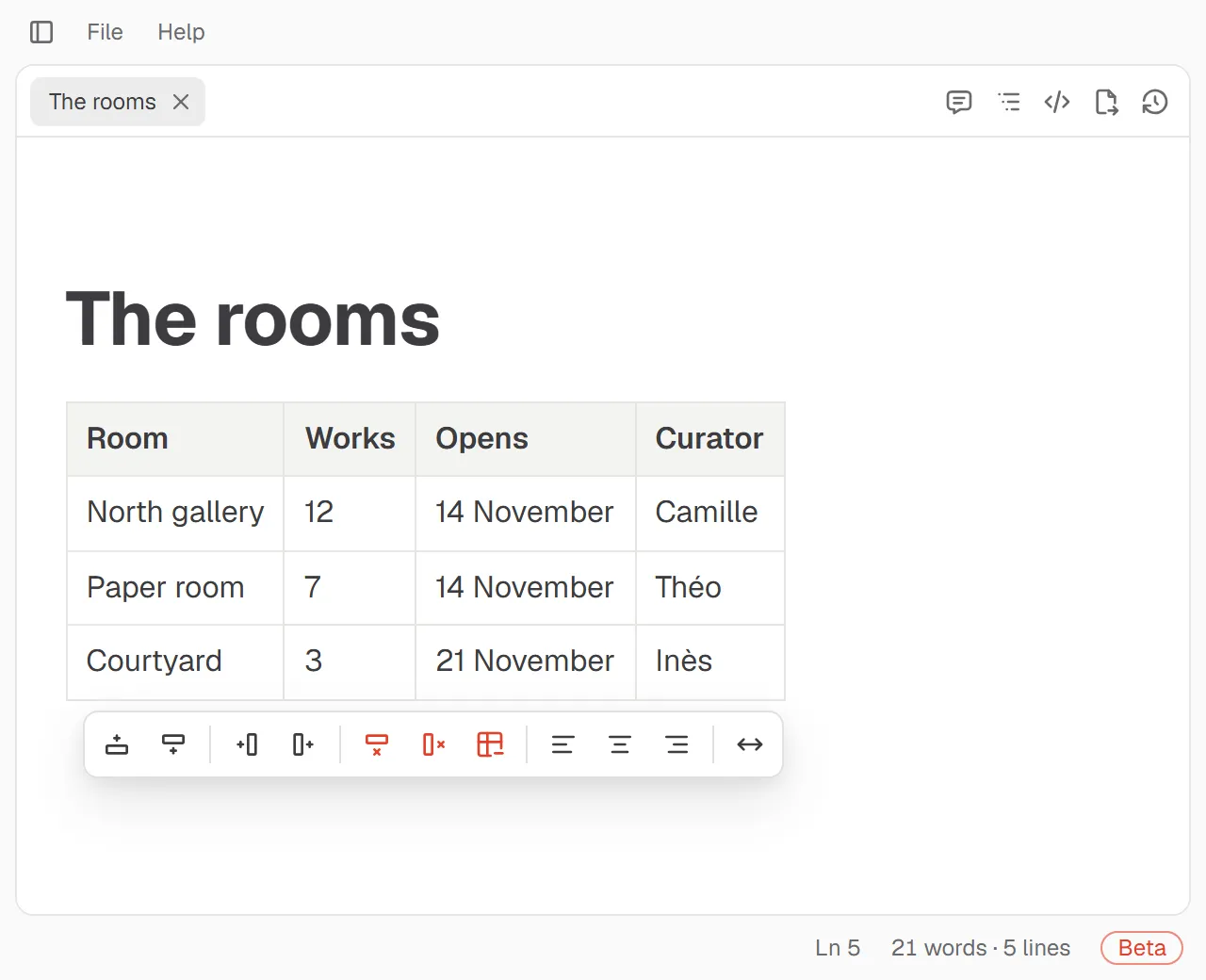
Tables without the pipes
Insert, align, resize and renumber from the cell you are in. The file keeps a plain Markdown table.
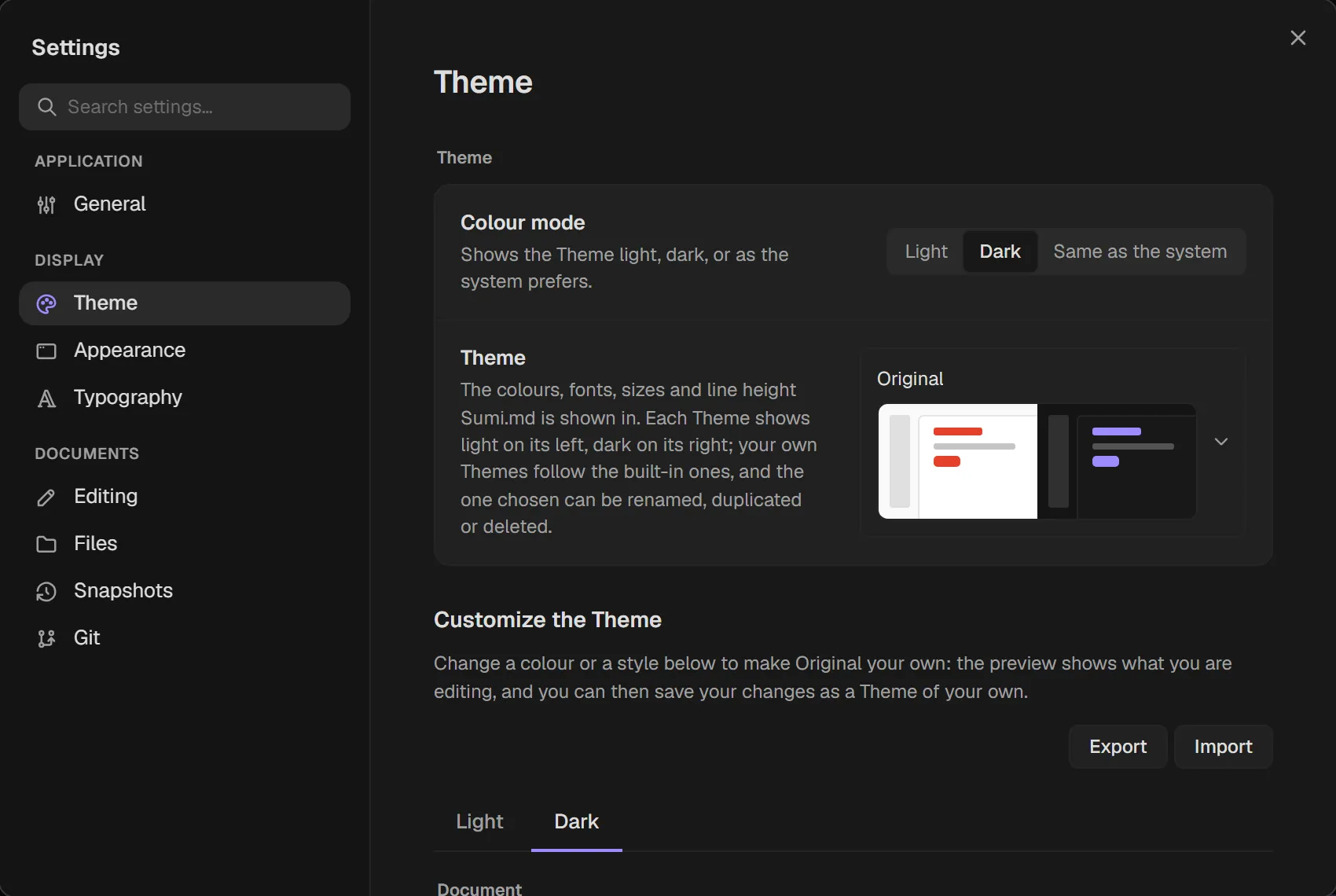
Themes, down to each heading
Light and dark, with the colour, size and style of every heading level. Export a Theme, import another.
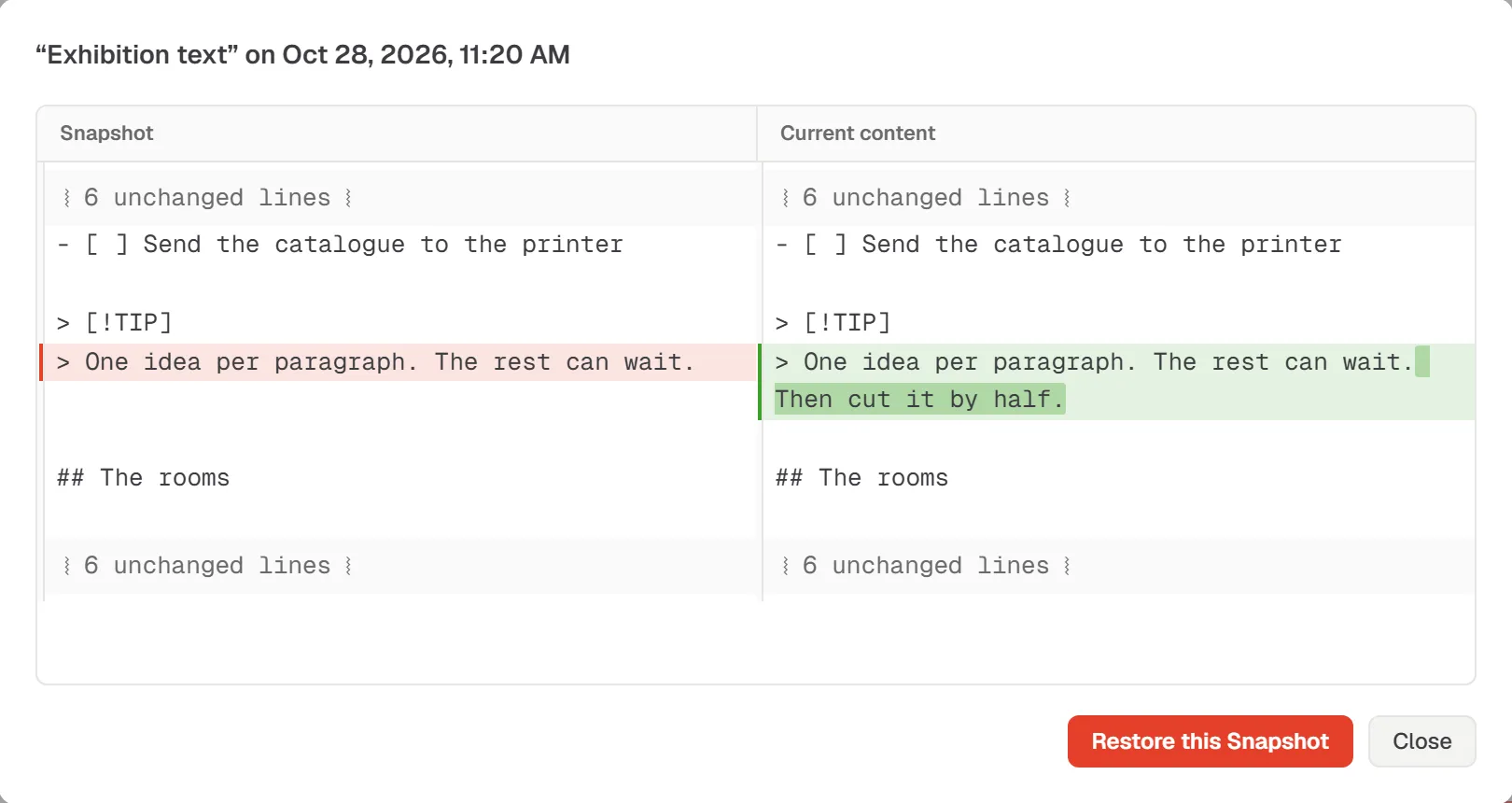
A history for every document
Snapshots pile up as you write. Compare one with the current text, and restore it in a click.
And the rest
Source Mode
Ctrl+/ and the raw Markdown appears. Once more, and the blocks are back.
Templates
Your document outlines, with the title, date and author filled in for you.
Export
A document as standalone HTML or PDF, ready to share.
Tidy images
Paste an image: it joins its document’s folder, and follows it everywhere.
Links that follow
Rename or move a file, and the links to it are rewritten. Broken ones can be repaired.
Images, videos, PDFs
They open in tabs, like your documents.
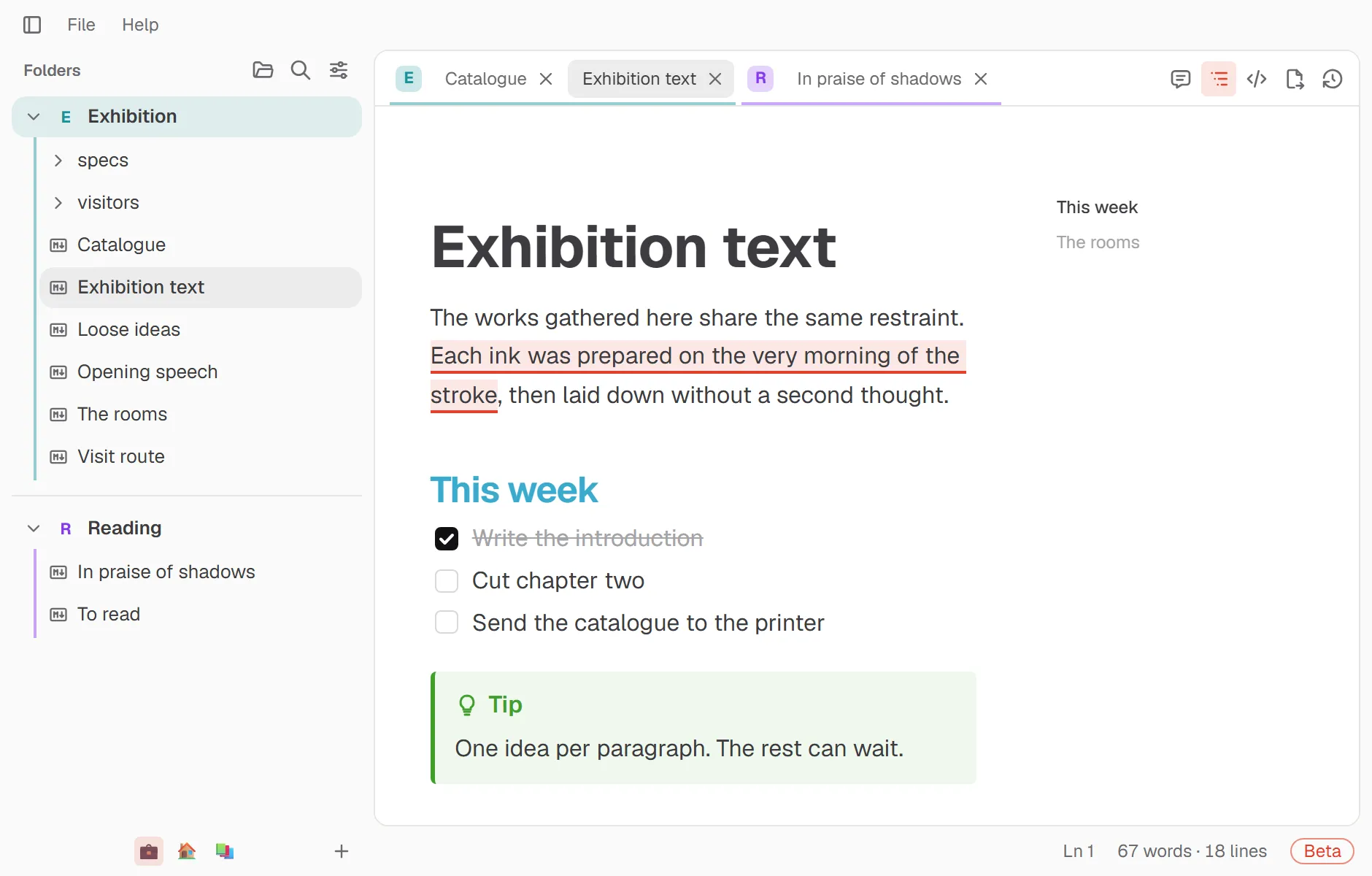
Outline
The headings of the document beside the text, at the width you choose.
Only what matters
What Git ignores stays out of the sidebar and the search, along with your own patterns.
Spell check
Your system’s spell check in documents and comments, when you want it.
Your turn to write.
Free. Updates install in one click, from inside the app.
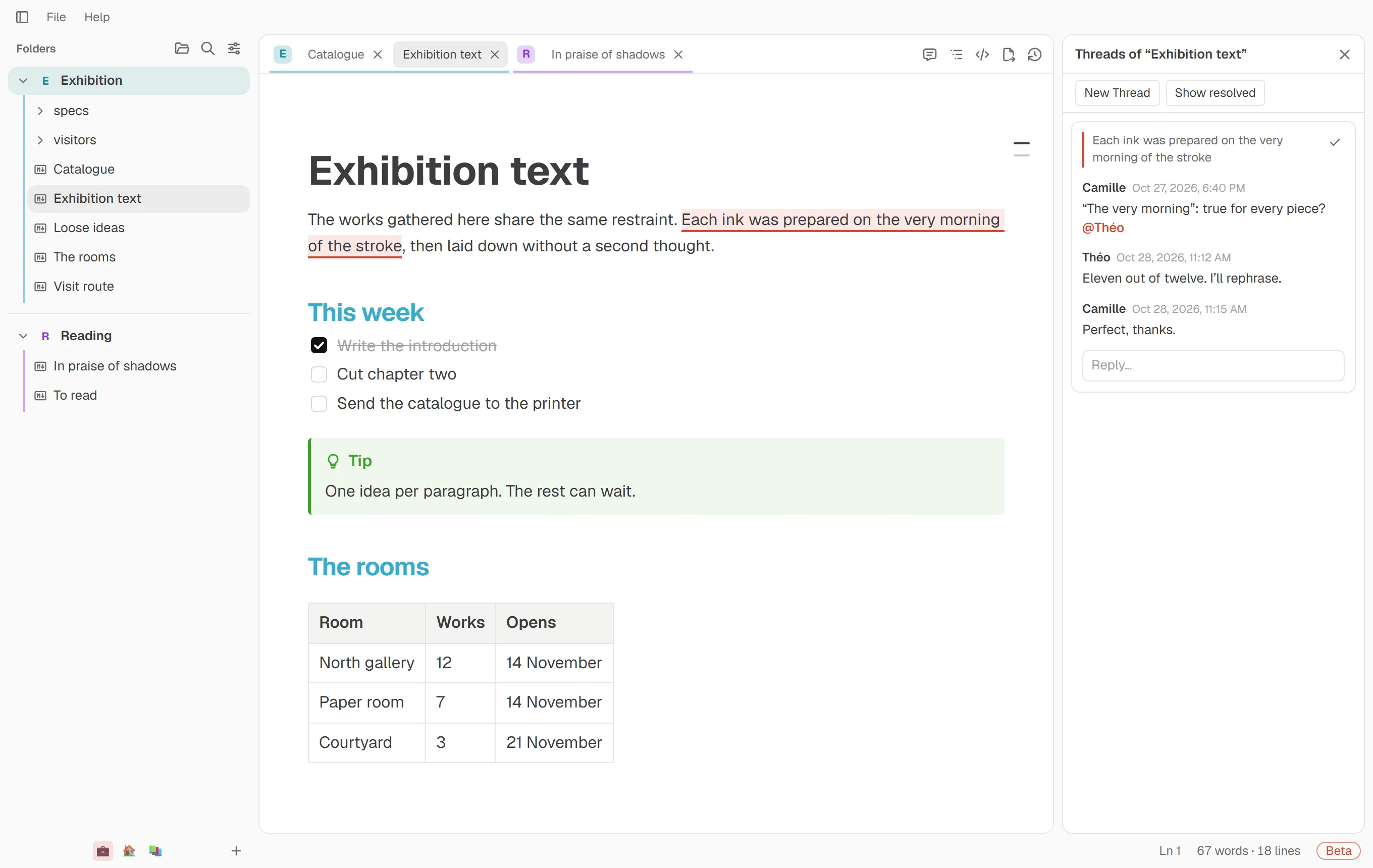
Comment in the margin. The text stays clean.
Select a passage, open a thread, reply, just like in a word processor. But comments live beside the document, never inside it: your Markdown stays intact, and each thread finds its passage again when the text changes.